
One turn, from ask to diff
Ask in plain words. It asks before it guesses, plans, builds, and hands you a diff to keep or undo.
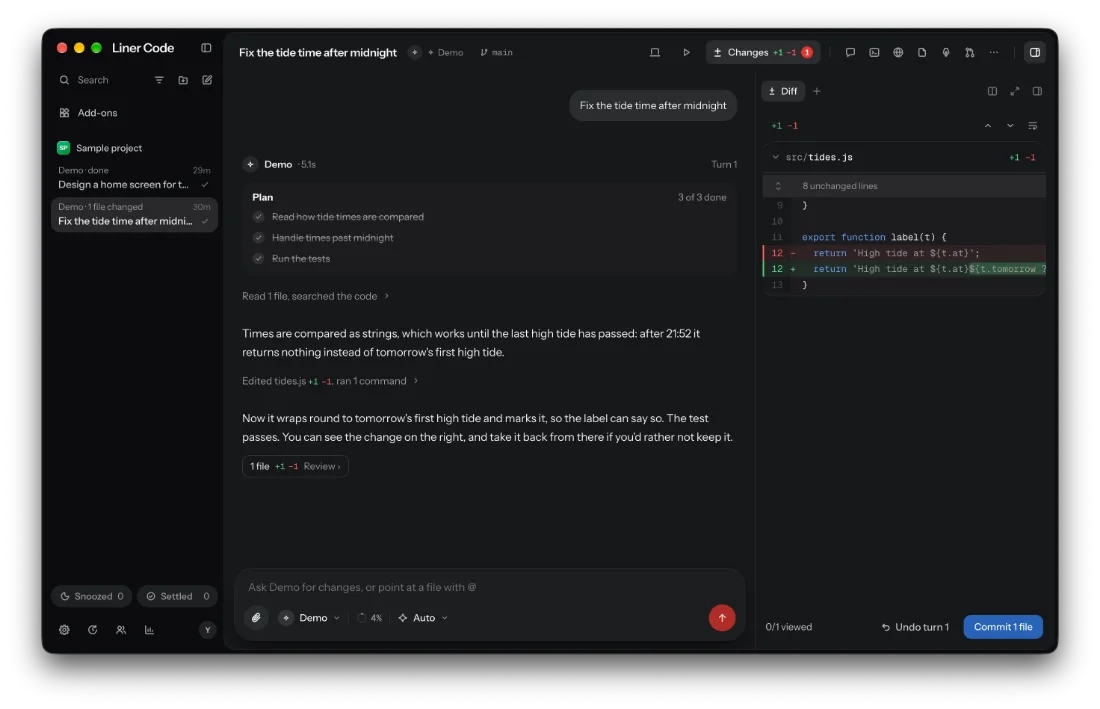
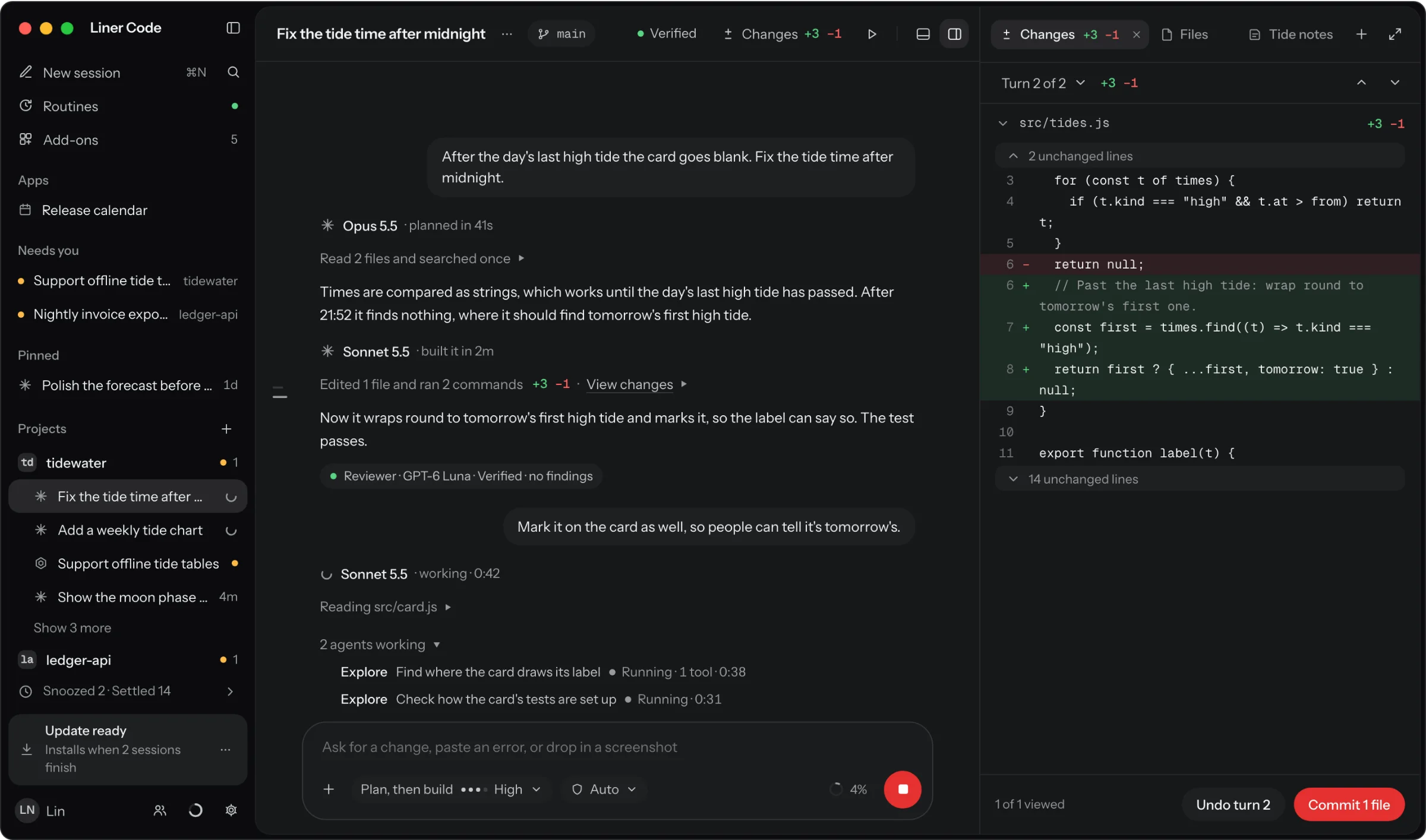
A home for the coding agents you already use.
Free and open source. Version 0.2.2, an alpha, for Apple Silicon Macs and Windows.
Click the code to send a turn.
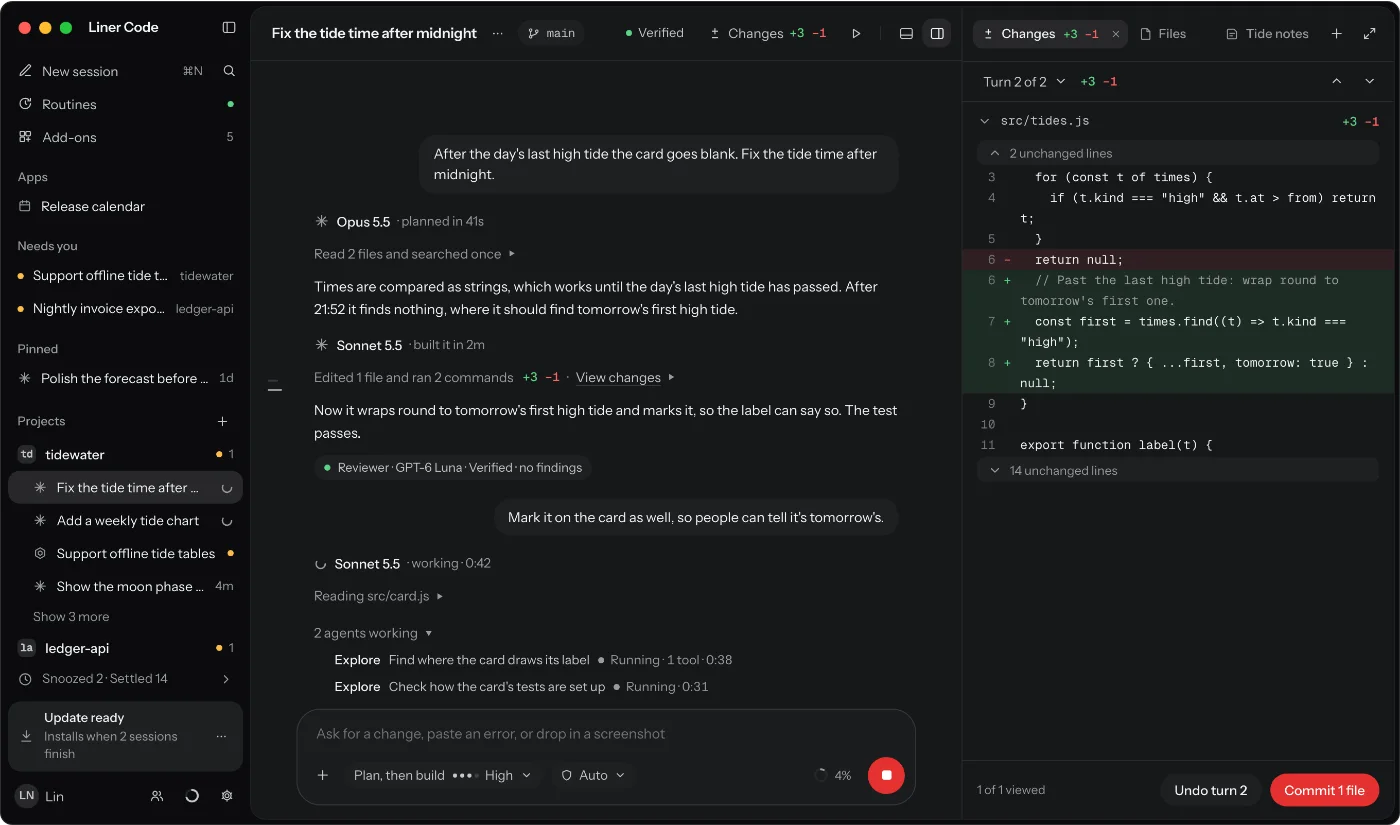
It runs Claude Code, Codex, OpenCode and Hermes with your own sign-ins, and shows their work as plans you approve and questions you answer.
Ask in plain words. It asks before it guesses, plans, builds, and hands you a diff to keep or undo.
The Browser, Design, Terminal, Files and the rest open next to the conversation, each one key away.
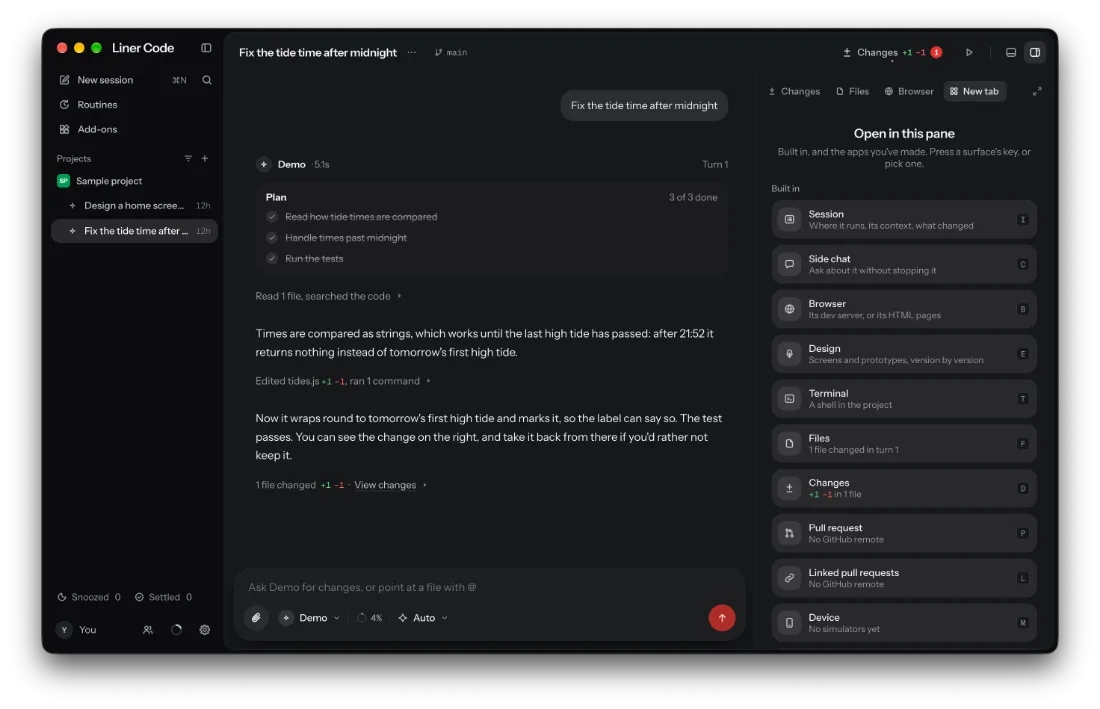
Sessions sort themselves by what they need from you. Press what waits, and one press decides.
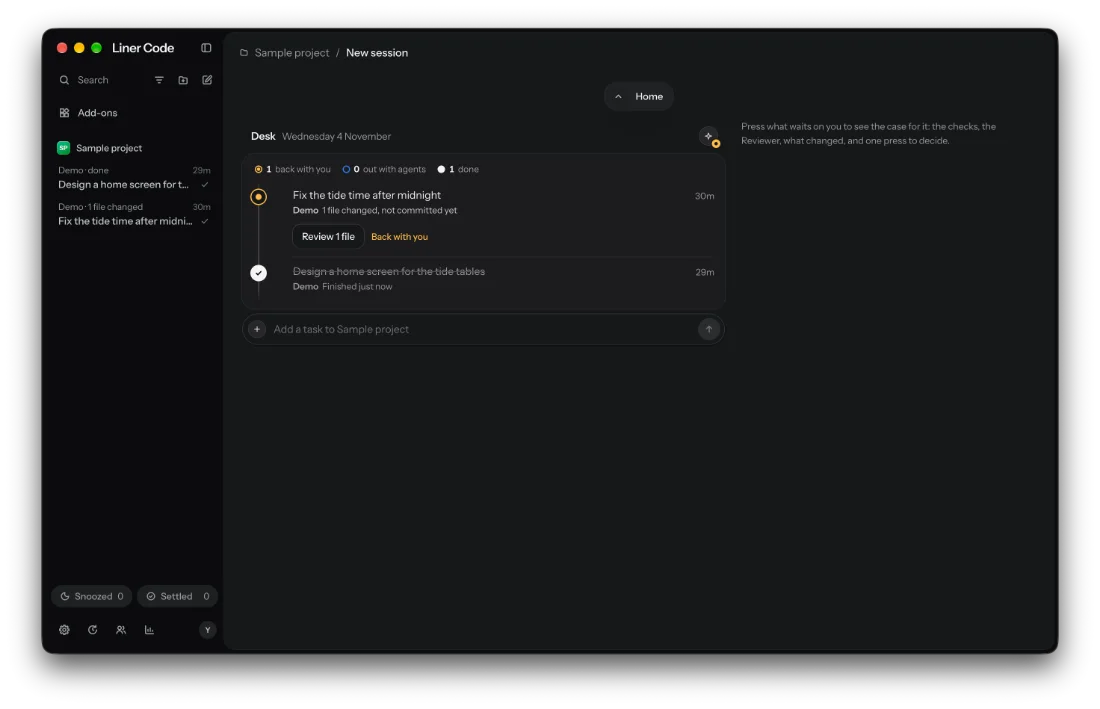
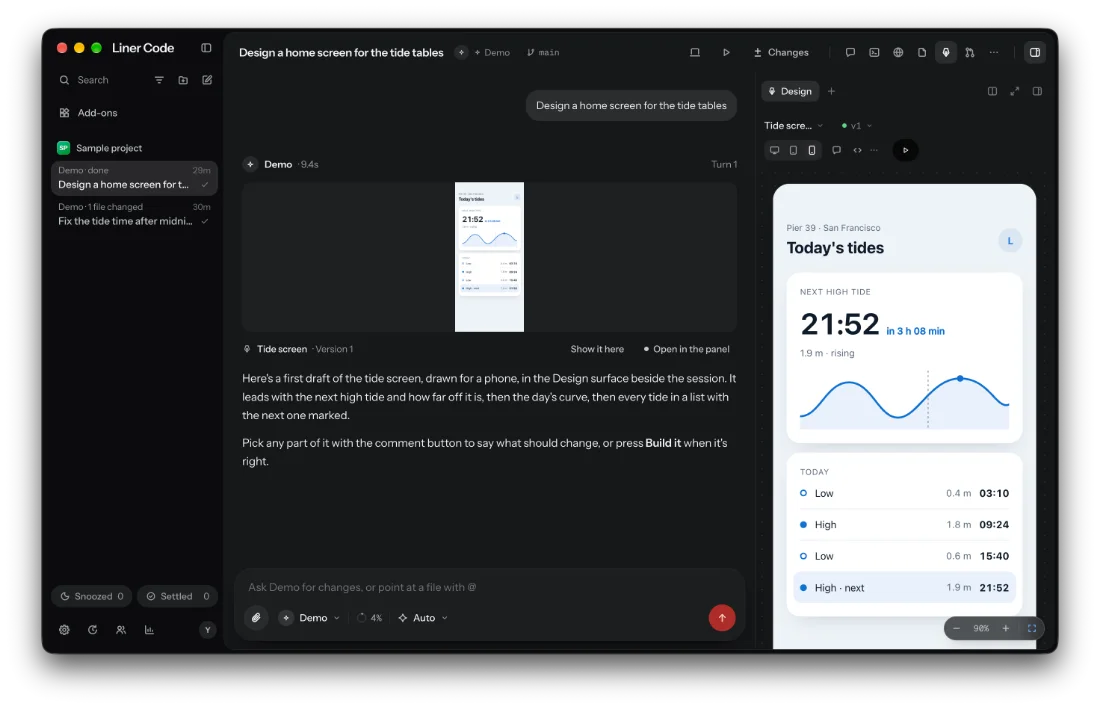
Any agent draws the screen beside the session. Point at a part to change it, then Build it.
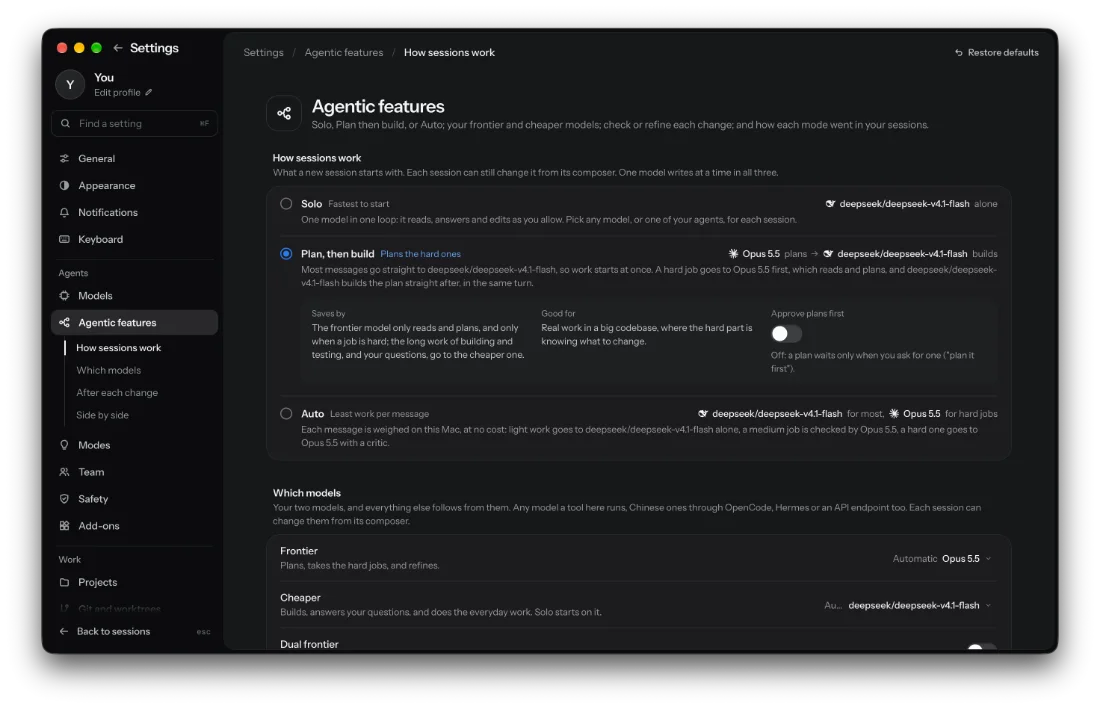
Pick how a session works. A model from another maker checks each change before it's yours.
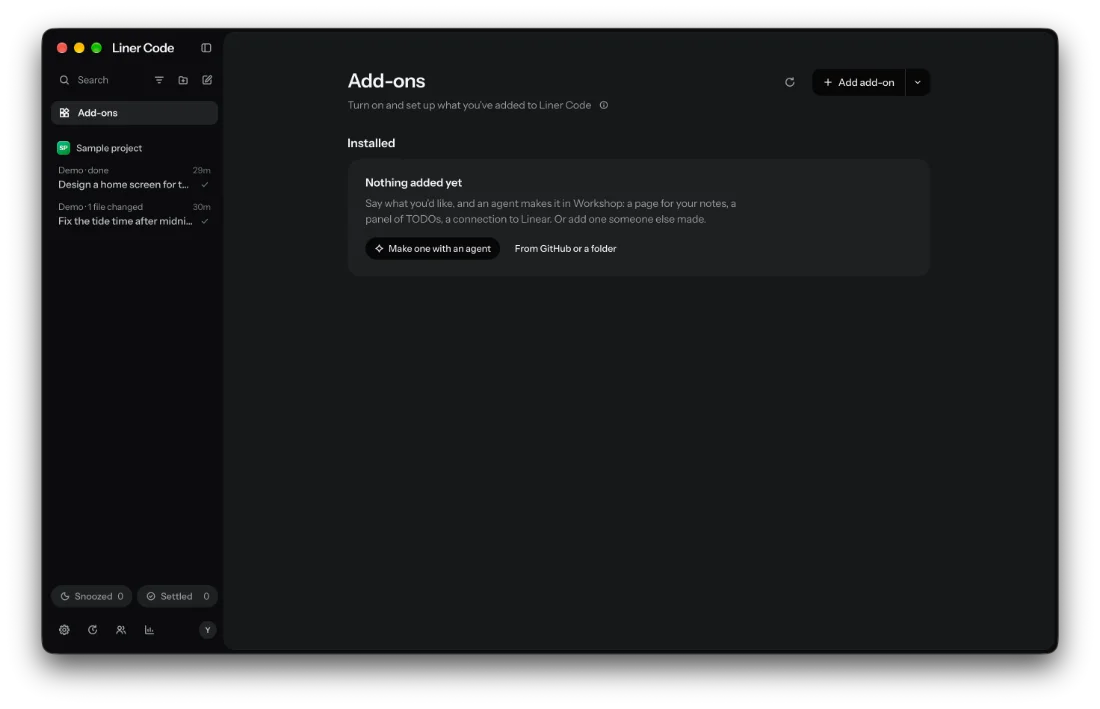
Ask for what Liner Code doesn't have, and an agent makes it. Nothing goes in until you say yes. About Workshop
No server, no telemetry. Sign-ins stay with each tool, keys stay in your Mac's keychain, and model traffic goes straight to each provider.
# All it asks each tool
$ claude auth status
$ codex login status
Pictures: the Liner Code app on macOS, in dark mode, with the Demo agent on its sample project.
Heavy jobA hard job
This is route.ts from Liner Code, running in your browser. In the app it runs on your Mac with no model call, so it costs nothing and sends nothing anywhere.
Shown with Claude Code, Codex and OpenCode Go signed in: DeepSeek V4.1 Flash takes most messages, Opus 5.5 the hard ones, GPT Astra reads them.
Try one
Open it, connect the tools you have, add a project, and pick how you will work: Solo, Plan then build, or Auto.
Download Liner Code 0.2.2
An alpha. Expect rough edges, and tell us on GitHub.
The alpha isn't notarized yet. The first time, open System Settings, Privacy & Security, and press Open Anyway, or run:
xattr -dr com.apple.quarantine "/Applications/Liner Code.app"After that it updates itself.
It isn't signed yet, so SmartScreen asks the first time: More info, then Run anyway.
Then it's in the Start menu. It doesn't update itself yet: run the next setup over it.
To run it without installing, get the zip.